
4BIS InnovationsNLEN

Email signature Outlook App

Published: 08.04.2026

Add email signature to the Outlook App


Step 1.
Go to Outlook.
Open the Outlook app on your phone.

handtekening outlook app instellen stap 1 hosting 2024


Step 2.
If you have Outlook open.
Press the three horizontal lines in the top left.
A menu will open.
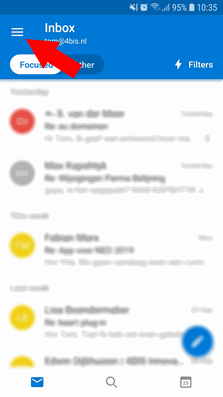
handtekening outlook app instellen stap 2 hosting 2024


Step 3.
Click on the gear wheel at the bottom left.
The settings menu then opens.
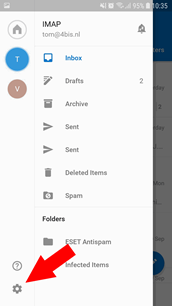
handtekening outlook app instellen stap 3 hosting 2024


Step 4.
In the settings menu, press Signature.
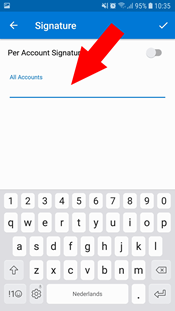
handtekening outlook app instellen hosting 2024

Step 5.
When you're done, hit the checkmark to save.
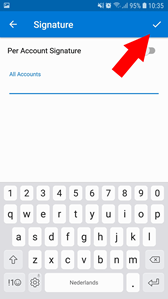

handtekening outlook app instellen stap 5 hosting 2024

The 4BIS Innovations team in Maastricht
10+people, one office in Maastricht

Got a platform that's outgrown itself?

We're a small team in Maastricht, not a call center. When you reach out, you talk directly with the developers who'd be working on your project, starting with a real conversation about what you're dealing with today.

MaxRensKieran
Max, Rens, Kieran and the rest of the team read every message.
Back to top